

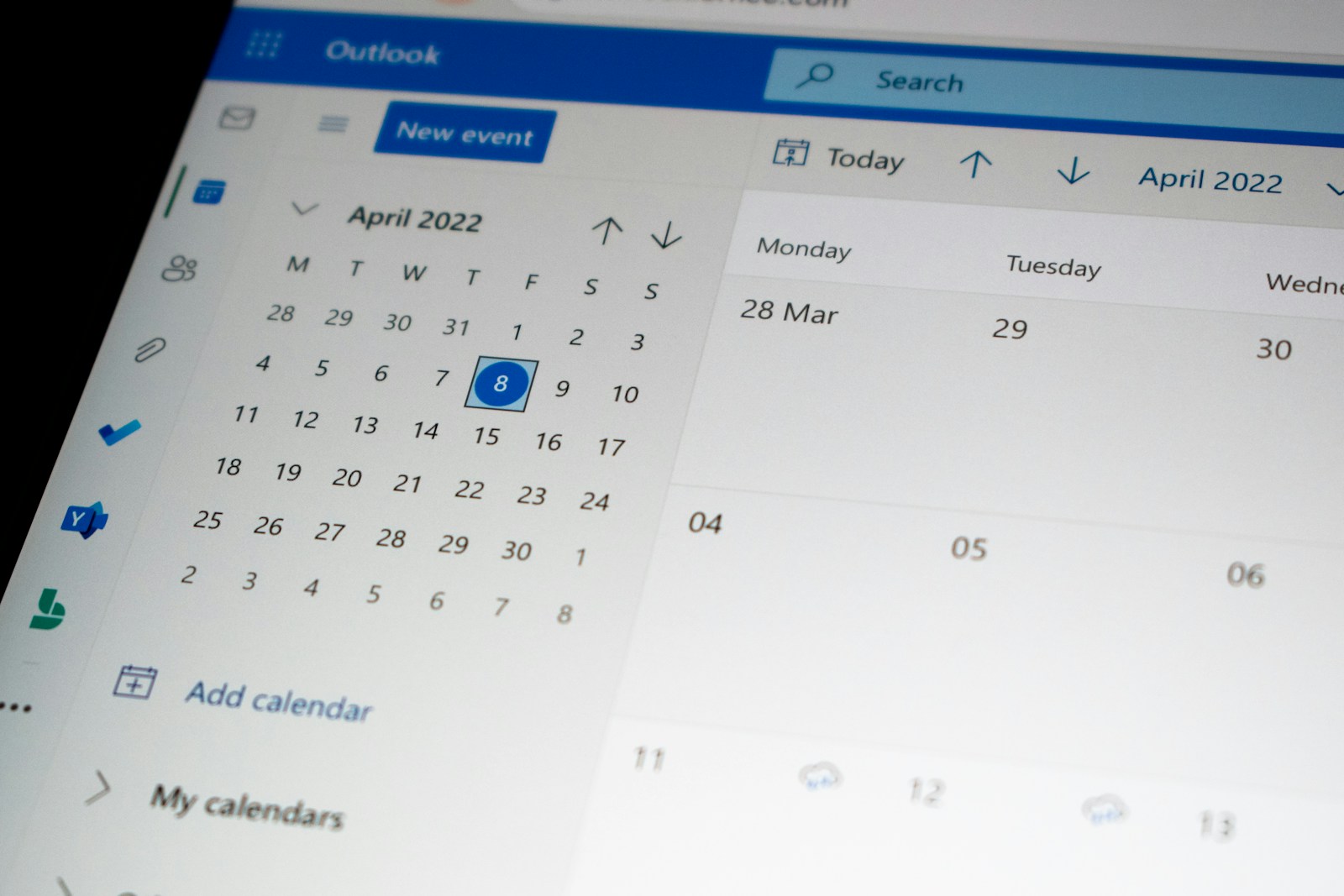
Chiropractic offices need to run well. People want to see them, the reports say! Making appointments easy matters a lot. Having a chiropractor website online booking setup makes things super smooth for patients and your team. This will show you how to put online booking on your site. Happy patients and a better office await! See how simple it can be to fix your schedule today!
Why Use Online Booking?
These days, online booking for chiropractor visits isn’t just a bonus—it’s expected. Patients enjoy scheduling appointments whenever they like, without having to call. This convenience makes them happier and more likely to return. Plus, your staff handles fewer calls and can focus on helping people in other ways.
- Always Open: Book any time, from anywhere.
- Less Paper: Fewer office tasks and calls.
- More Bookings: Online access brings more people.
Many patients prefer online booking, and offering it can attract more of them. Sending reminders helps reduce missed appointments, keeping your schedule full.
Pick the Best Booking Tool
Choosing the right online booking tool for a chiropractor’s website is essential. It should integrate smoothly with your site and software. Consider ease of use, compatibility, cost, and available support. Most importantly, ensure it protects patient information.
- Easy to Use: Simple for all.
- Safe Data: Follows all rules (like HIPAA).
- Fits Your Site: Works with your current website.
There’s no shortage of booking tools for health offices. Start by figuring out what your office really needs, then pick one that checks those boxes. Go for options that offer customization and useful reminders.
Easy Steps to Set Up Booking
Setting up online booking for a chiropractor website is easy. Begin by selecting a booking tool and creating an account. Then, set your appointment times, business hours, and prices. Make sure the booking feature is placed in a visible spot on your site. Finally, test it to ensure everything runs smoothly!
- Sign Up: Make an account.
- Set It Up: Add your times and costs.
- Add to Site: Put the tool on your site.
- Test It: Make sure it works right.
Most tools have instructions for adding to your site. If you need help, find a web person. A good setup makes patients happy.
Make Your Site Good for Booking
Just adding a booking option isn’t enough—you need to encourage people to use it. Use simple language to explain how booking works, and feature it prominently on your homepage and other pages. Remind visitors to book, and make sure your site works smoothly on phones so they can book on the go.
- Clear Help: Easy booking steps.
- Easy to See: Booking link must stand out.
- Tell Them To: Encourage online bookings.
- Phone Friendly: Book easily from phones.
Add what patients say about easy online booking. Say how it saves time. Keep your site fresh.
Spread the Word
Spread the word about your new chiropractor website’s online booking in different ways. Share it on your site, social media, and through emails. Highlight how convenient and easy online booking is, and encourage people to give it a try. Offer a discount for their first booking to make it even more appealing. Remind your staff to mention it during calls and in-person visits.
- Site News: Talk about booking on your site.
- Social Media: Share updates.
- Emails: Send emails about it.
- Staff Help: Train your team to share.
Use ads to find new patients in your area. Check your ads and make them better. Good ads bring people to your booking system.
Connect to Your Office System
Stay ahead by connecting your chiropractor website’s online booking system with your office software. This way, calendars and patient records update automatically. When someone books online, it goes straight into your system—no manual entry needed! It saves time, reduces errors, and keeps everything running smoothly. Many booking tools provide this feature.
- Auto Schedule: Calendar updates by themselves.
- Less Typing: No need to type in data.
- More Right: Fewer mistakes.
Make sure the connection is safe. Check it often. A good connection helps your office a lot.
Keep Data Safe
Keeping patient data safe is top priority. Your booking tool should follow all regulations, like HIPAA. Make sure your system runs on secure servers and use strong security measures to protect information. Have a data agreement with your booking provider, train your staff on data safety, and regularly check for issues. Protecting data builds trust and helps prevent major problems.
- Safe Servers: Use protected servers.
- Lock the Data: Keep patient data locked.
- Agreements: Have data protection deals.
- Staff Training: Teach about data rules.
Data problems can cost a lot and hurt your name. Make data safety a big deal when you add online booking.
See How It Works and Get Ideas
Once your booking system is going, see how well it works. Track how many online bookings you get. See who is using it. See how it helps your office. Use tools to see who visits your booking page. Ask patients what they think to make it better. Always improve based on what you see.
- Booking Check: Track how much people book online.
- Who Uses It: Know who is using the system.
- Office Help: See how it helps the office.
- Patient Asks: Get patient ideas.
Seeing site traffic helps you make your booking better. Always check how it works to get the best from online scheduling.
Fix Common Problems
Even with good planning, problems happen. Common ones are connection issues and booking messes. Have a way to fix these fast. Help patients if they have problems. Check the system often for errors. Fixing things fast keeps patients happy.
- Connection Issues: Fix data problems.
- Booking Messes: Solve scheduling problems.
- Patient Help: Help patients out.
Make a help page with common questions on your scheduling page. This can stop problems and make booking easier.
The Future of Booking
Online booking keeps changing. New things may include computer helpers, booking with your voice, AI, and using watches. Keeping up with these things helps you stay ahead. These things will make booking even easier. Use these changes to help your office and make patients happy. The future of chiropractor website online booking is good.
- Computer Helpers: Expect better tools.
- Voice Booking: Think about booking with your voice.
- Watch Connection: Watches might connect to booking.
Tech will keep changing health care. Scheduling is one thing. Using these changes helps you and your patients. Scheduling will be even easier.
Adding chiropractor website online booking helps your office and makes patients happy. Pick the right tool, make your site good, share online booking, keep data safe, and check how it works. By doing these things, you make a smooth and easy booking time. Use these changes to help your office grow.